.svg)
Know who holds validated science-based targets
Free access to SBTi target status for the suppliers and portfolio companies you already track.
DitchCarbon provides verified emissions data for over 2 million organisations, so procurement, sustainability and finance teams can measure and act on supply chain and portfolio emissions from one source. Our calculator is verified to ISO 14064-3, limited assurance, by UL Solutions, renewed annually.

What is SBTi data?
SBTi data records which companies have set emissions reduction targets validated by the Science Based Targets initiative, and what those targets are. It covers near-term and long-term target status, the classification and target year, net zero commitments, and the company's sector and region. For a procurement or portfolio team it is the fastest read on whether an organisation has a credible plan.


What can you do with SBTi target data?

See who has a target, and who does not

Evidence for your own disclosures

Pick your engagement list

Track progress across thousands of organisations
How do I get access?
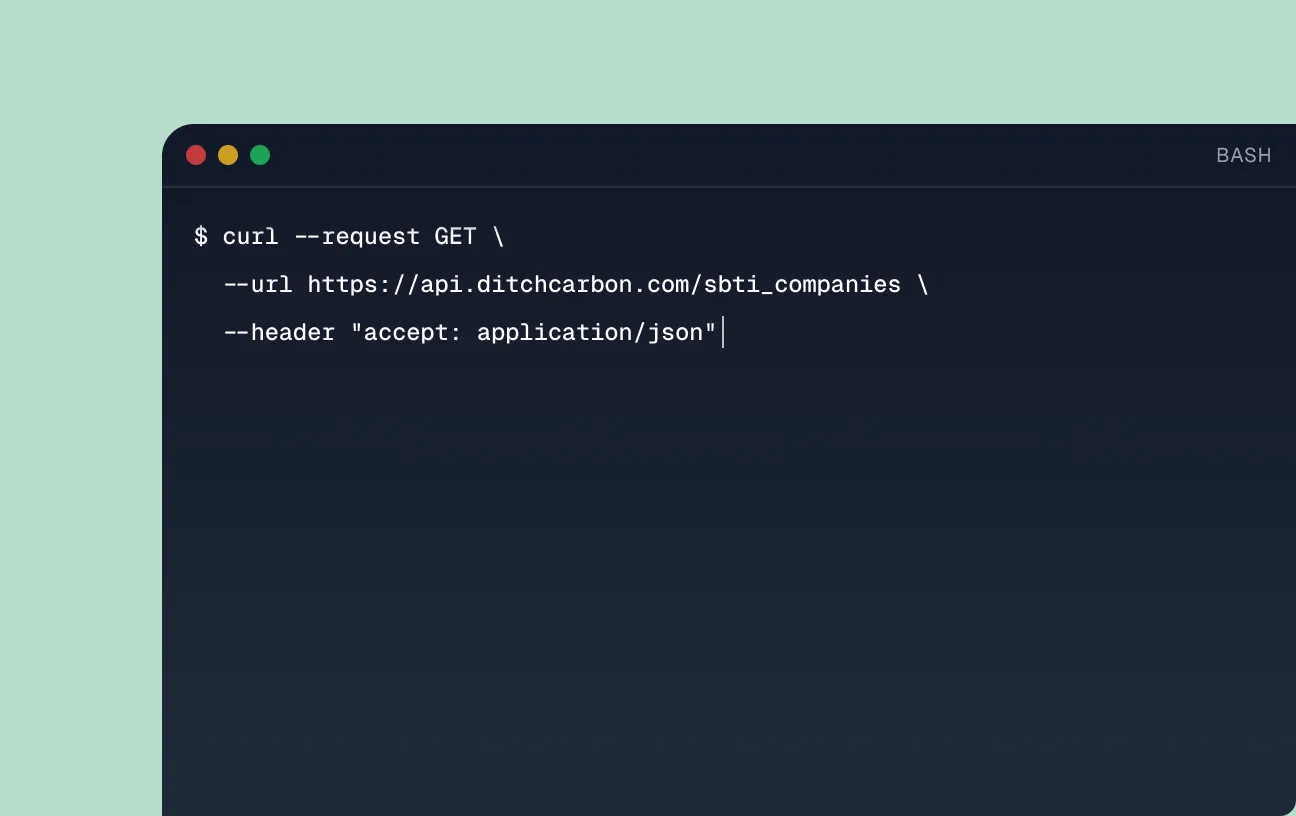
Call one endpoint with a company identifier, and get that organization's response to SBTi back as JSON. The identifier parameters are isin, lei and company_name, so you can query with whatever your systems already hold.
GET https://api.ditchcarbon.com/sbti_companiesThe endpoint returns every company's response to SBTi, snapshotted once a week. Results are paginated, so increment the
page parameter to walk the set.Identify an organization with isin, lei or company_name. Filter on target status and organization profile with near_term_target_status (Removed, Targets Set, Committed), near_term_target_classification, near_term_target_year, long_term_target_status (Targets Set), long_term_target_classification, long_term_target_year, net_zero_committed (Yes, No), net_zero_year, organization_type (Financial Institution, Small or Medium Enterprise, Company), location, region, sector, date_start, date_end, target and target_classification.
One behavior worth stating plainly, because it surprises people: filters match on "contains", not on exact equality. isin=GB returns every SBTi company whose ISIN contains GB. To track what changed rather than pull the current snapshot, call the companion endpoint
GET https://api.ditchcarbon.com/sbti_companies/changes.
Full reference: docs.ditchcarbon.com/reference/get-sbti-companies. Changes endpoint: docs.ditchcarbon.com/reference/get-sbti-companies-changes.
Request an API key and authenticate with a standard Bearer token. One key covers the SBTi endpoint, and the same key works across the rest of the DitchCarbon API if you go on to use it.
Which teams use this?

Financed Emissions (PCAF)
Counterparty emissions and target status in one record, with the data quality of each figure shown, so a PCAF calculation can be evidenced line by line. Private companies included.

Emissions Reporting
Value chain target coverage is a disclosure question in CSRD, CDP and ISSB reporting. Pull it from the same source as your Scope 3 figures instead of maintaining a second list.

Supplier engagement
Start the conversation with the organisations that have no target yet, and skip the ones already validated. Less work for your team, and fewer requests landing on suppliers who have already done the work.
How do I start?
Four steps to your first call
- Request your free API key using the form below.
- Copy the Bearer token into your application or your API client.
- Call the SBTi endpoint with a company identifier.
- Check the reference documentation for the full response fields.
Authorization: Bearer <token> header.Get free SBTi API access
Request your API key and see which of your suppliers and portfolio companies hold validated science-based targets. Free, with no commitment to anything else.