.svg)
Organisation import from CSV or Excel
DitchCarbon imports a supplier or portfolio list from CSV or Excel into a chosen project, with an example file to work from and published guidance on how rows are matched to organisations.
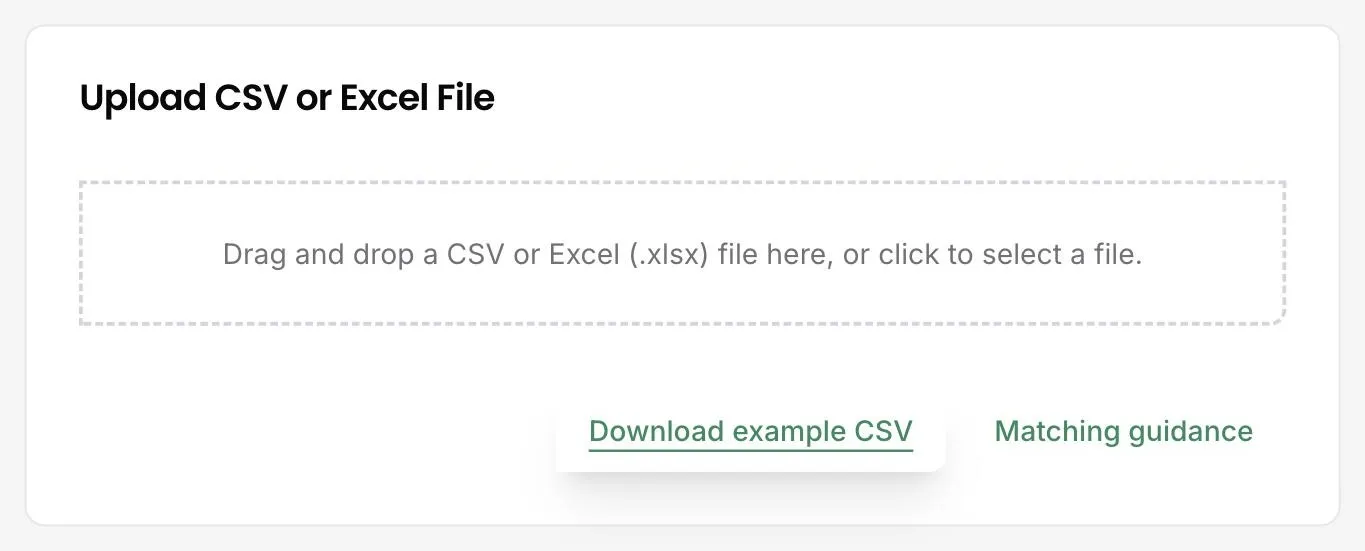
Upload it. Choose the project, then drag in a CSV or Excel file. An example file shows the expected columns, and the matching guidance explains how each row is resolved to a real organisation. Progress and row counts appear in the import history rather than in a browser tab you have to keep open.
The list a procurement team actually holds is a spend export, not a clean supplier register. It has duplicates, trading names, and entities that no longer exist. That is the file the import expects.
Matching is the part worth understanding before uploading, which is why the guidance is published rather than buried. Rows resolve against DUNS, LEI and ISIN identifiers where present, and against name, domain and email where not.
Imports are scoped to a project, so a division or a client engagement lands in its own space rather than merging into a group total.
The import history records how many rows were processed, so a partial match is visible as a number rather than discovered later as a gap in a baseline.
Common questions

See it on your own suppliers, portfolio or profile
Numbers you can defend within 2 weeks, or one profile that answers every buyer asking.