.svg)
Govern
Team members and roles
Can procurement and sustainability share an account safely?
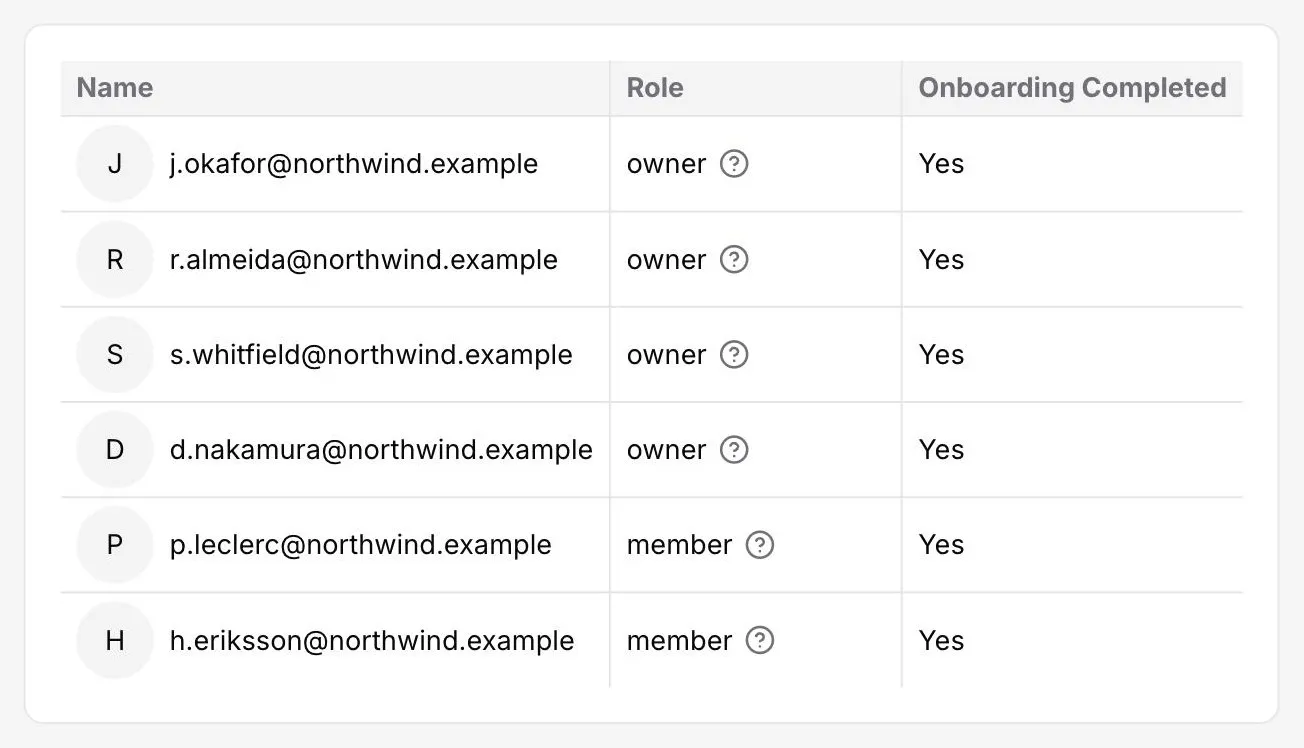
Invite colleagues as owners or members. Owners administer the account and its calculation settings, members do the work, and onboarding status is visible per person, so three teams can read the same numbers without everyone holding the rights to change how they are calculated.
Team file storage
Where do the files behind my reporting live?
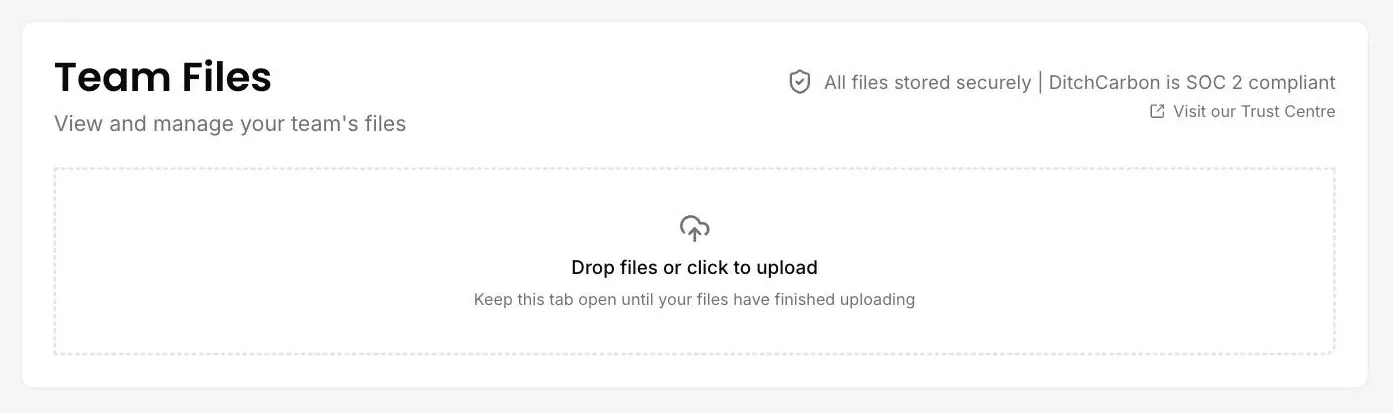
Team files sit in the platform alongside the emissions work they support, so a spend extract or a signed assurance letter is filed with the numbers it belongs to. Two tabs separate what your team owns from what others have shared with you. Storage is covered by our SOC 2 Type II controls.
Fallback logic when an organisation has not reported
What happens to my number when a supplier has not reported this year?
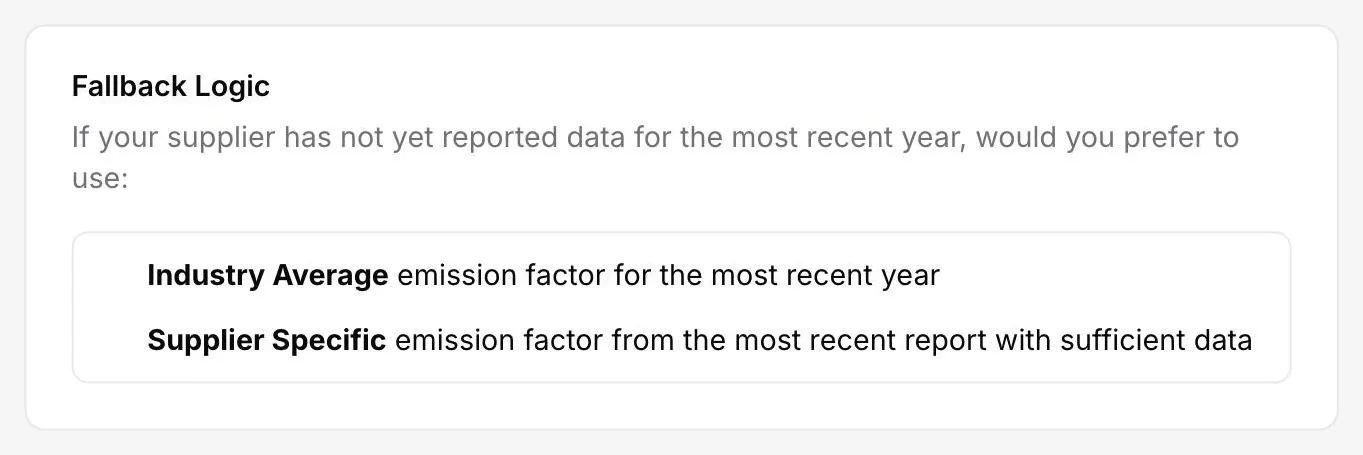
You choose, once, for the whole account. Either an industry average for the most recent year, or that organisation's own most recent report with sufficient data. One favours comparability across the portfolio, the other favours organisation-specific (primary) accuracy, and the choice is recorded rather than assumed.
Choose your emission factor set
Can I control which emission factors my numbers are calculated on?
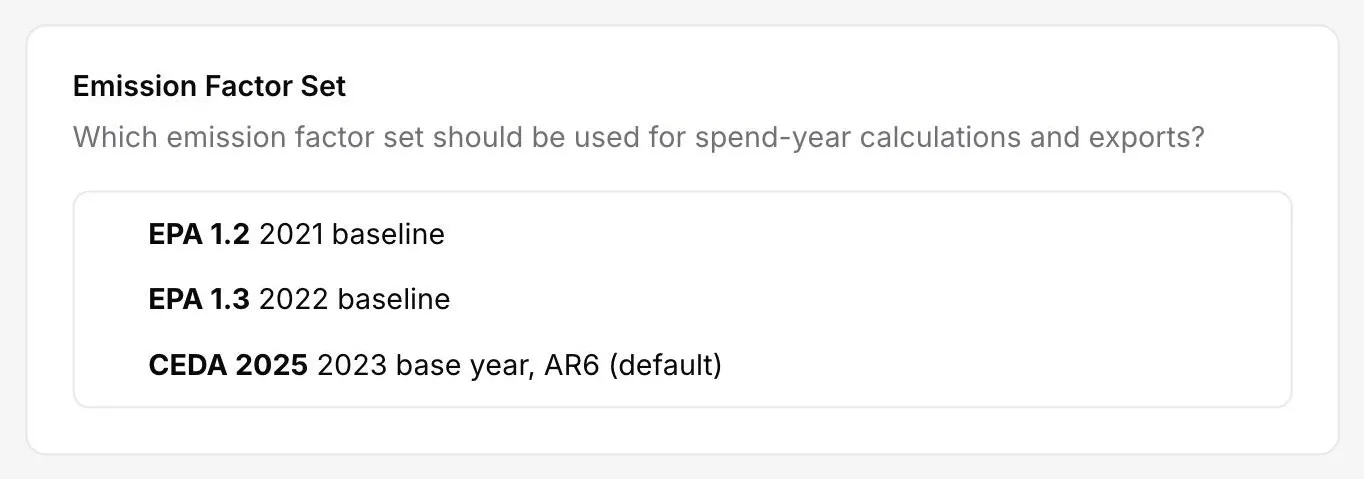
One team setting picks the emission factor set behind every spend-year calculation and every export. CEDA 2025 on a 2023 base year with AR6 global warming potentials is the default, with EPA 1.3 on a 2022 baseline and EPA 1.2 on 2021 also available. The whole account then calculates on one dated, declarable basis.
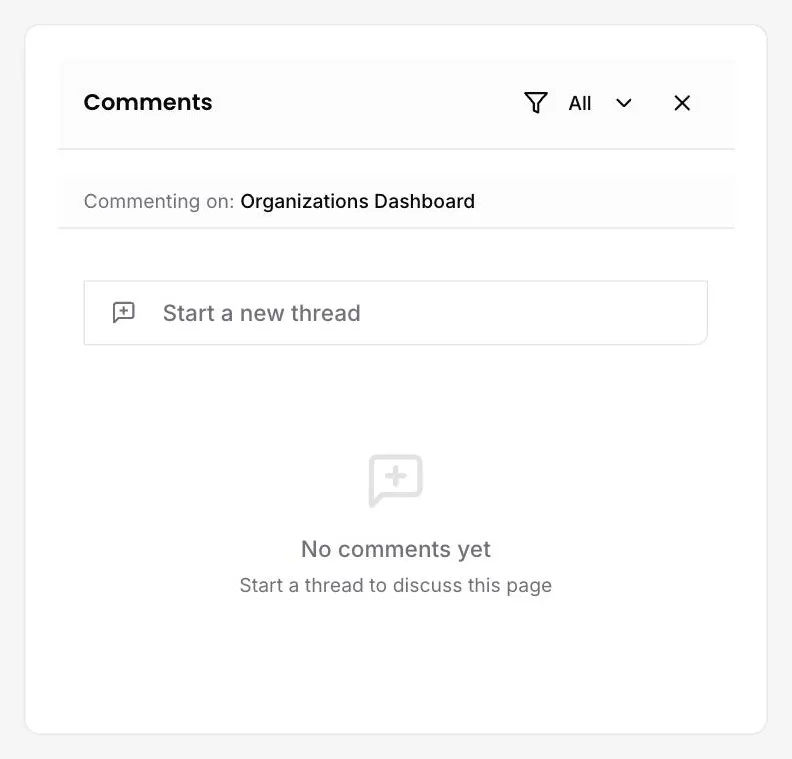
Comment threads on any page
How do we discuss a number without starting an email chain?
Open a thread on the page itself. Comments attach to the view you are looking at, whether a dashboard or a single organisation, and the panel names what is being commented on. Threads stay with the page, so the next person to open it sees the discussion rather than looking for it.
See it on your own suppliers, portfolio or profile
Numbers you can defend within 2 weeks, or one profile that answers every buyer asking.