.svg)
Integrate
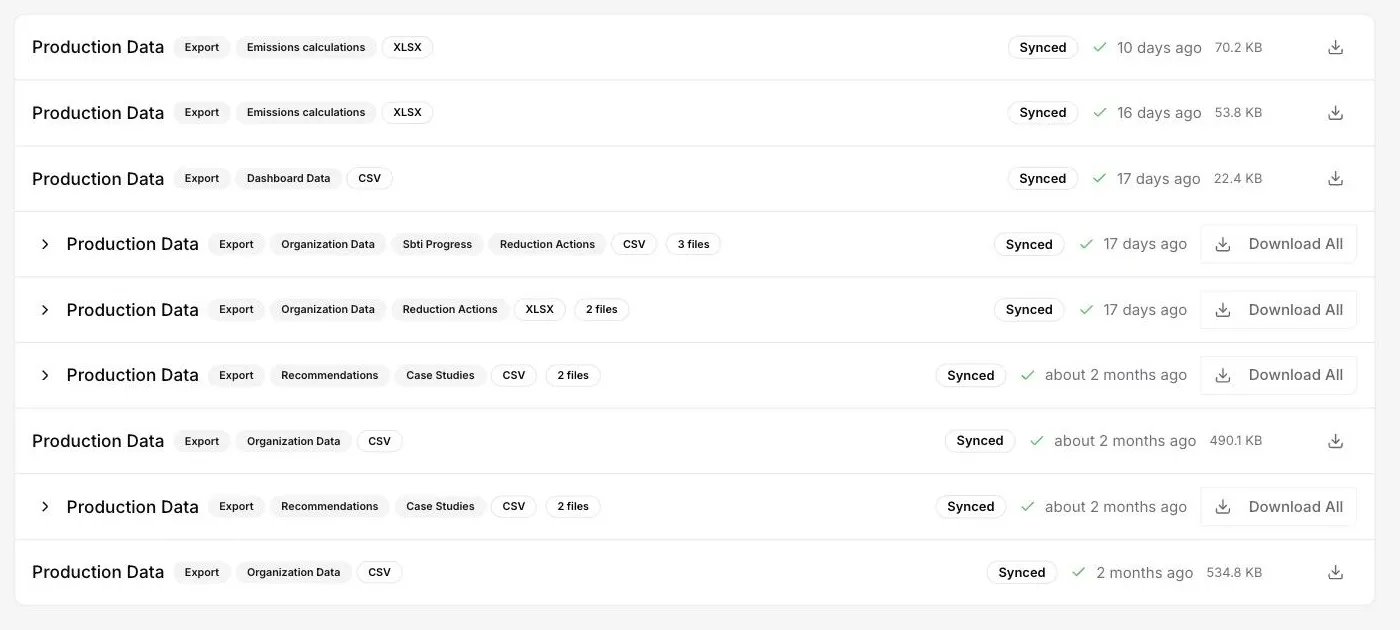
Import and export history
What data has already been sent out of here, and when?
Every import and export is listed with the datasets it contained, its format, its state, its size and when it ran, filterable by type, project, format and state. Bundled exports expand to their individual files, and any past export can be downloaded again rather than regenerated.
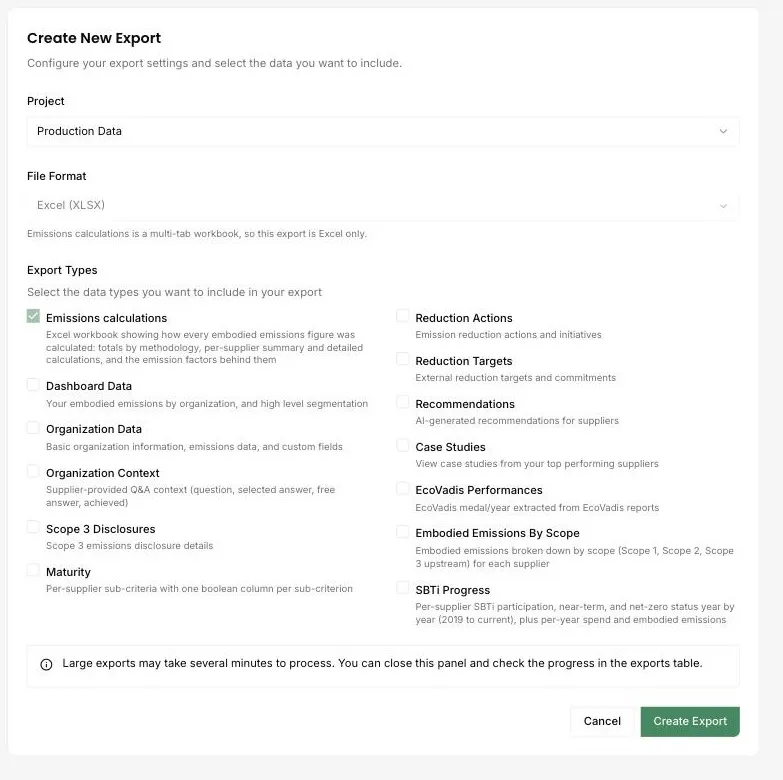
Thirteen export datasets
Can I get this data out into our own systems?
Thirteen datasets, as CSV or Excel, chosen individually or bundled into one download. They cover emissions calculations, dashboard and organisation data, supplier Q&A context, Scope 3 disclosures, maturity criteria, reduction actions and targets, recommendations, case studies, EcoVadis performance, embodied emissions by scope, and SBTi progress.
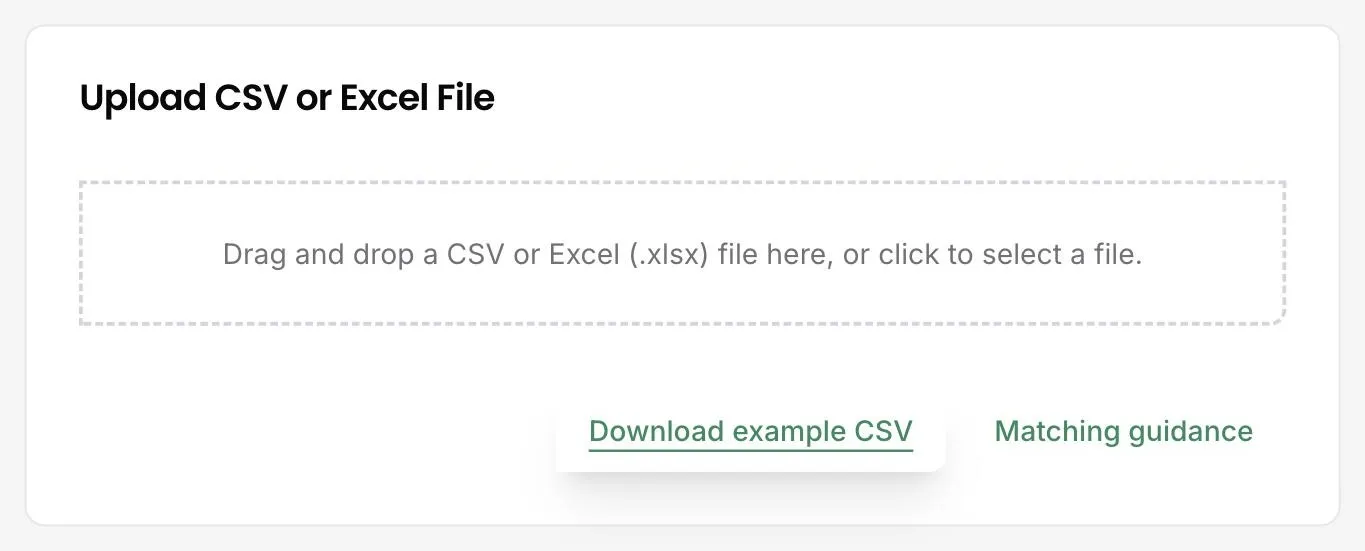
Organisation import from CSV or Excel
How do I get my supplier list into DitchCarbon?
Upload it. Choose the project, then drag in a CSV or Excel file. An example file shows the expected columns, and the matching guidance explains how each row is resolved to a real organisation. Progress and row counts appear in the import history rather than in a browser tab you have to keep open.
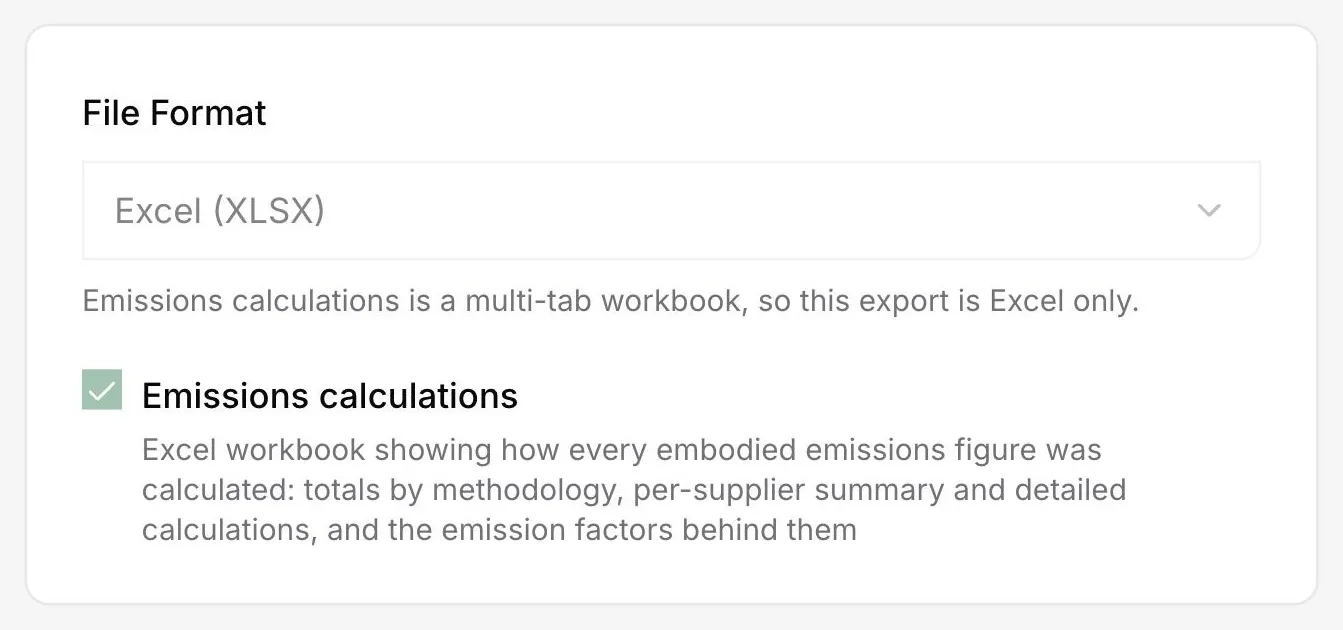
Emissions calculation audit workbook
Can I hand my auditor a file that shows the whole calculation?
That is what this export is for. One Excel workbook, several tabs: totals by methodology, a summary per organisation, the line by line calculations, and the emission factors applied. An auditor can follow a reported total down to the factor that produced it without asking anyone for a second file.
See it on your own suppliers, portfolio or profile
Numbers you can defend within 2 weeks, or one profile that answers every buyer asking.