.svg)
Emissions calculation audit workbook
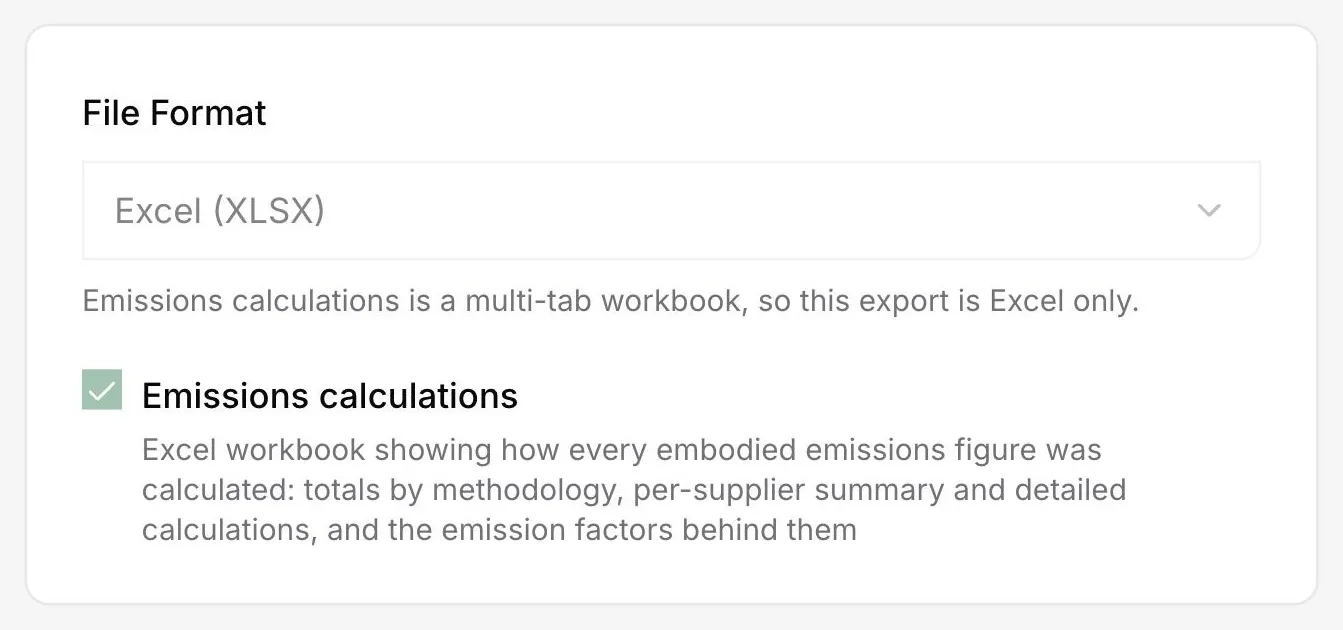
DitchCarbon exports a multi-tab Excel workbook showing how every embodied emissions figure was calculated, including totals by method, a per-organisation summary, the detailed calculations and the emission factors behind them.
That is what this export is for. One Excel workbook, several tabs: totals by methodology, a summary per organisation, the line by line calculations, and the emission factors applied. An auditor can follow a reported total down to the factor that produced it without asking anyone for a second file.
The usual audit exchange is a number, then a request for evidence, then three weeks of email. This workbook front-runs that by shipping the working alongside the result.
The tabs follow the order an auditor asks in. Totals by methodology first, because the split between organisation, product and activity data (primary) and industry data (secondary) is the data quality question. Then per organisation, then the individual calculations, then the factors.
Because the same figures carry their source and change history in the application, a line in the workbook can be traced back to the document behind it rather than ending at a number.
The calculator that produced these figures is verified to ISO 14064-3, limited assurance, by UL Solutions, renewed annually, and DitchCarbon data has been used in emissions reports subsequently assured by ten different third-party assurance providers, including Big Four firms.
Common questions

See it on your own suppliers, portfolio or profile
Numbers you can defend within 2 weeks, or one profile that answers every buyer asking.