.svg)
Team file storage
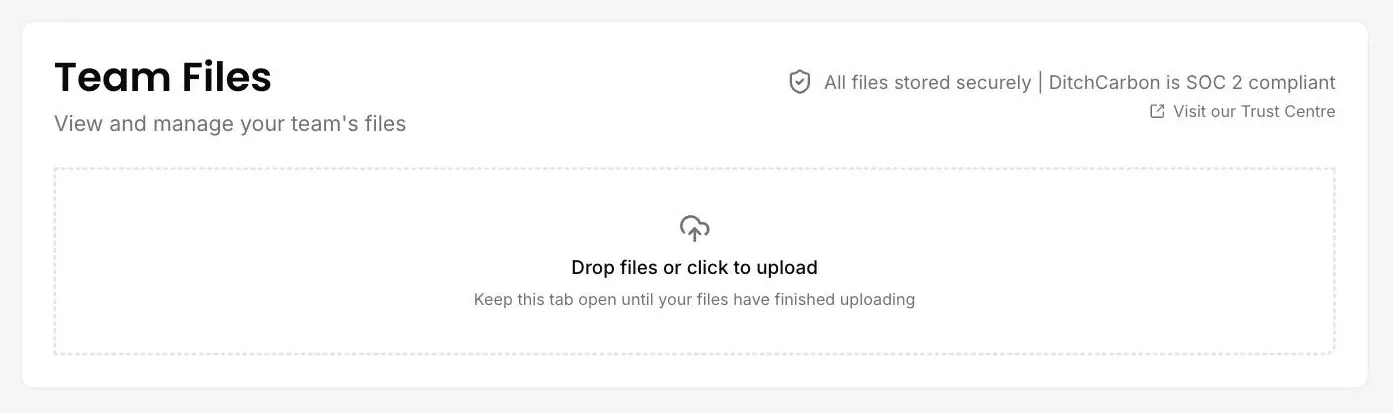
DitchCarbon stores a team's supporting files alongside the emissions work they belong to, under SOC 2 Type II controls, and separates what the team owns from what others have shared with it.
Where do the files behind my reporting live?
Team files sit in the platform alongside the emissions work they support, so a spend extract or a signed assurance letter is filed with the numbers it belongs to. Two tabs separate what your team owns from what others have shared with you. Storage is covered by our SOC 2 Type II controls.
Common questions
Can I see your security documentation?
Where do the files behind my reporting live?
Available plans
Collect + calculate
Status
Live
Last reviewed
September 17, 2026
Documentation
Reference :
Team file storage
Related capabilities

See it on your own suppliers, portfolio or profile
Numbers you can defend within 2 weeks, or one profile that answers every buyer asking.


v260319.2
